Momenial vs Accredible
Enterprise credentialing, without the enterprise onboarding
Accredible is built for large institutions with a procurement process. Momenial is built for the person who has to send the certificates on Friday.
Accredible or Momenial?
Both issue verifiable credentials in the Open Badges 3.0 standard. The difference is how quickly you can start, and whether you can see the price first.
Accredible

Sold through a sales process
Getting started generally means a demo and a quote rather than signing up and issuing the same afternoon.
Pricing on request beyond the entry plan
Only the entry plan has a published price. Larger plans are quoted, so comparing cost at volume means booking a call first.
Web only
Issuing happens in a browser; there is no native app for the phone in your pocket at the venue.
Weighted toward large programs
Pathways, badging taxonomies and analytics are deep, which is a lot of surface area if you simply need a certificate per attendee.

Momenial

A journey you can finish in one sitting
Pick a design, add recipients, send. The flow is the same on your first batch and your fiftieth, which matters when the person issuing certificates is not the person who chose the software.
Published prices, from $39
A free tier of 25 credentials a month with no card, then $39 for Standard and $129 for Professional. The numbers are on the pricing page rather than behind a call.
Cards as well as certificates
Membership cards and certification cards with a member ID or certificate number and a photo of the holder, in the wallet and on paper, from the same account and the same credits.
A credential that stays correct
Expiry dates, a reminder 30 days before a card or a certification ends, renewal one at a time or by the batch, revocation with a reason, and a version history on the same link. The first correction in each term is free.
Five platforms, not just a browser tab
Web, Android, iOS, macOS and Windows. Start a batch on a laptop and finish it from a phone on the way home.
Credentials recipients make their own
Recipients add their own photo to the page, and from Standard save the credential to Apple Wallet or Google Wallet, where the pass shows the same photo. A credential someone recognizes as theirs is a credential they share.
One Design for Every Batch 🗂️
A project keeps one design and its settings. Add a batch for each cohort or each month, and every batch is issued from the same design. Multiple batches start at Standard.
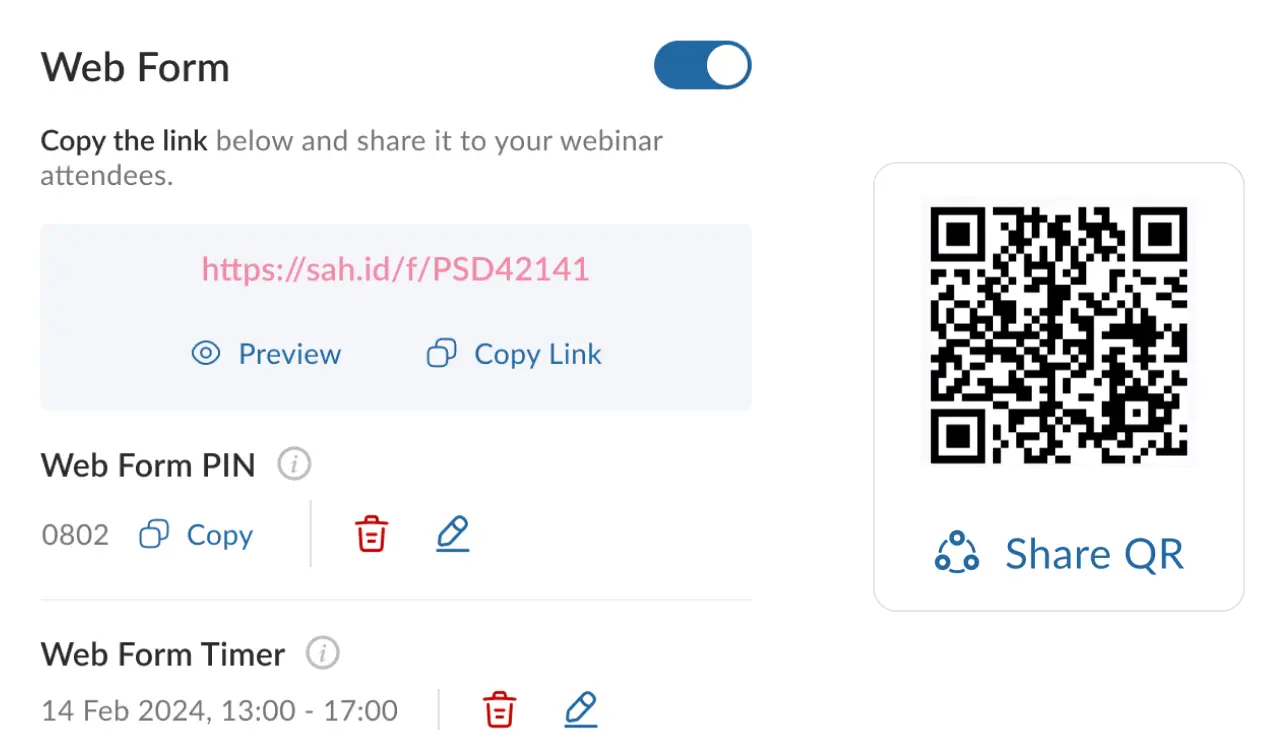
Sign-Up Form 🌐
Share a sign-up form link and recipients fill in their own details, so nobody has to type them in for you.
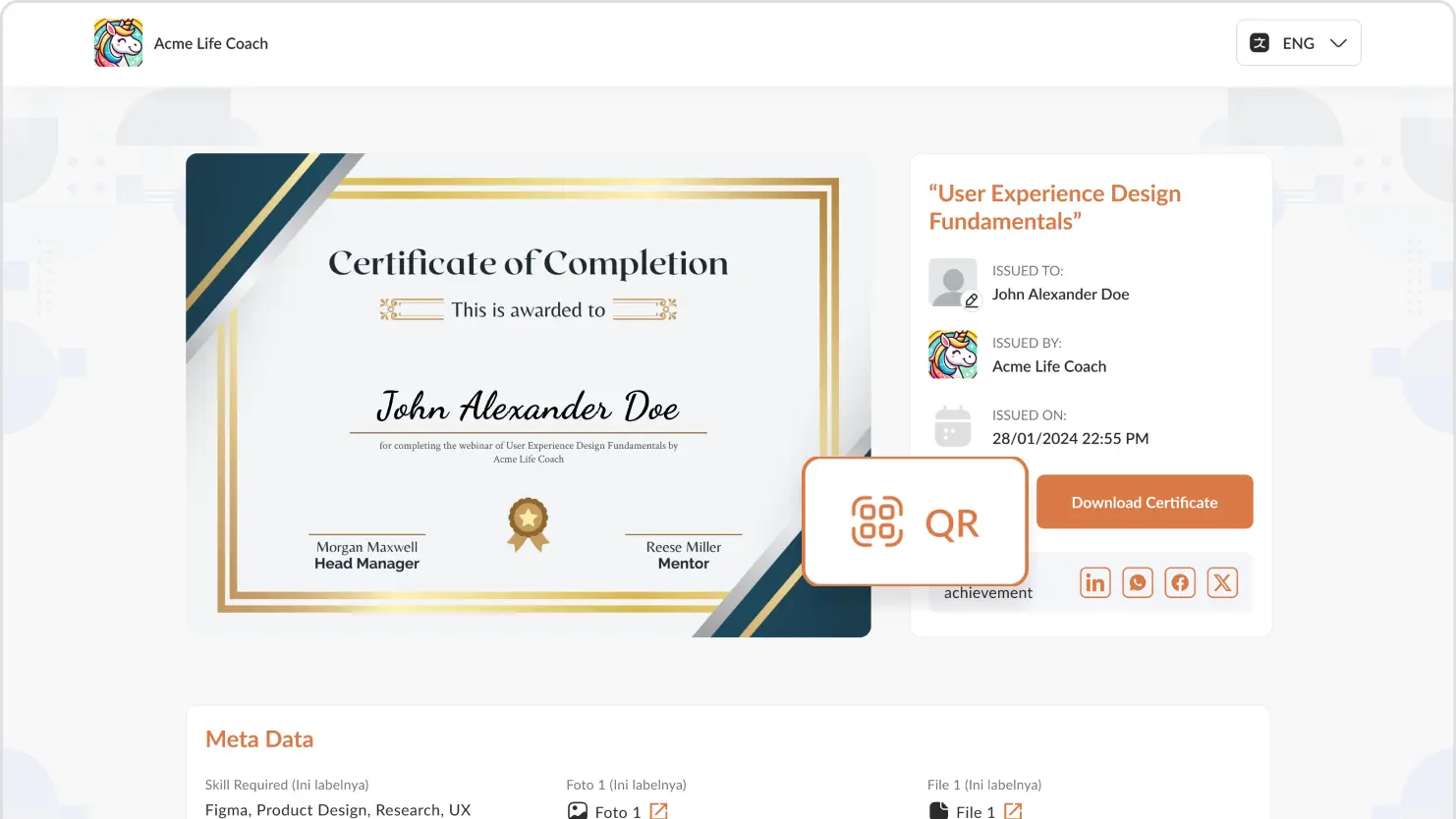
Wallet Passes with a Photo 💼
From Standard, recipients save their certificate or card to Apple Wallet or Google Wallet, with their own photo on the pass if they add one, and the pass is updated when the credential is renewed, corrected or revoked.
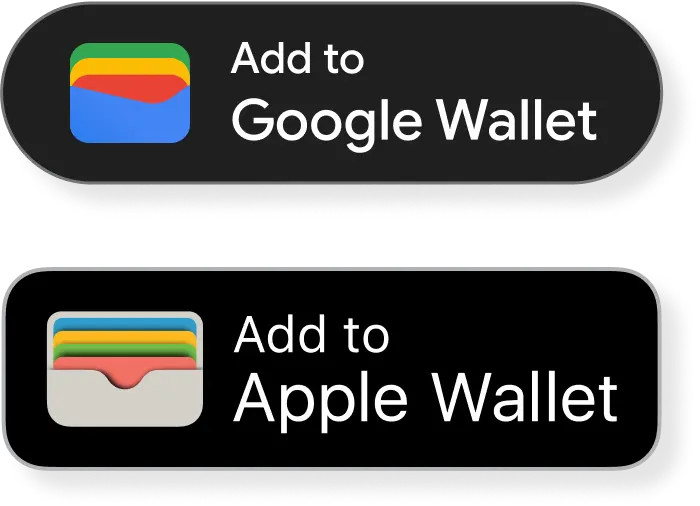
Premium Domains 🌟
Offers a premium selection of preset domains that allow for greater customization and branding options for the certificates
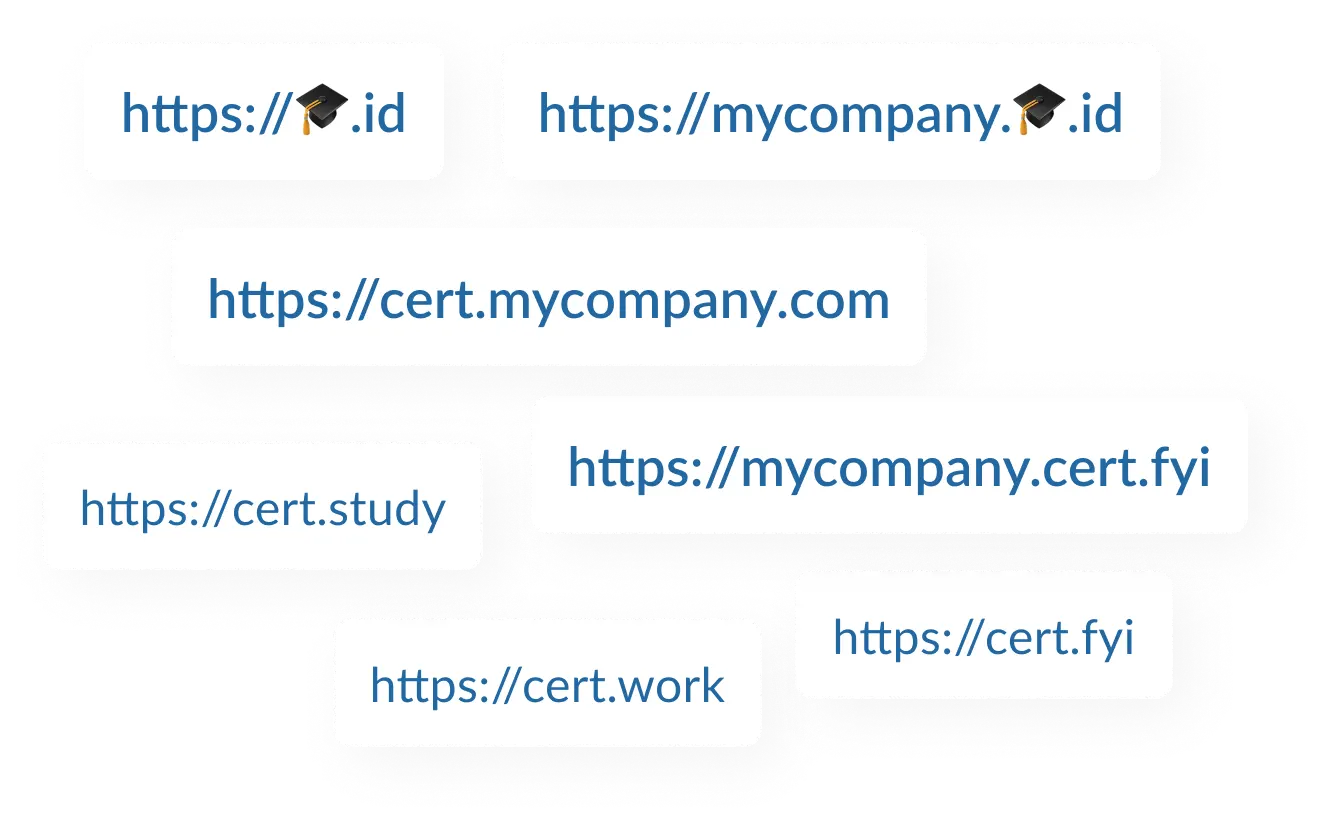
Certificates That Outlive the Subscription 🔒
Verification pages on cert.fyi and on your custom subdomain stay live and public even if you stop paying. Only certificates on your own domain go offline, because that domain is part of the paid plan.
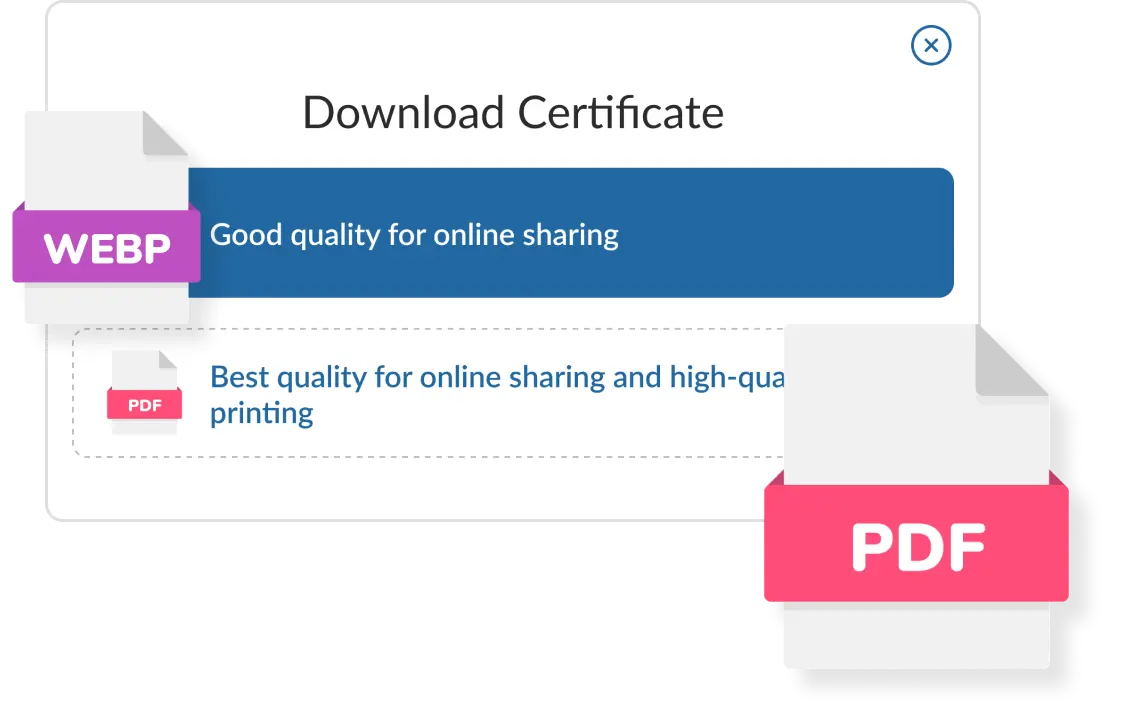
Print-Ready Certificates and Cards 🖨️
A print-quality PDF for every certificate and a card-sized file for every card, both sharp at any size and carrying the same QR code as the page.
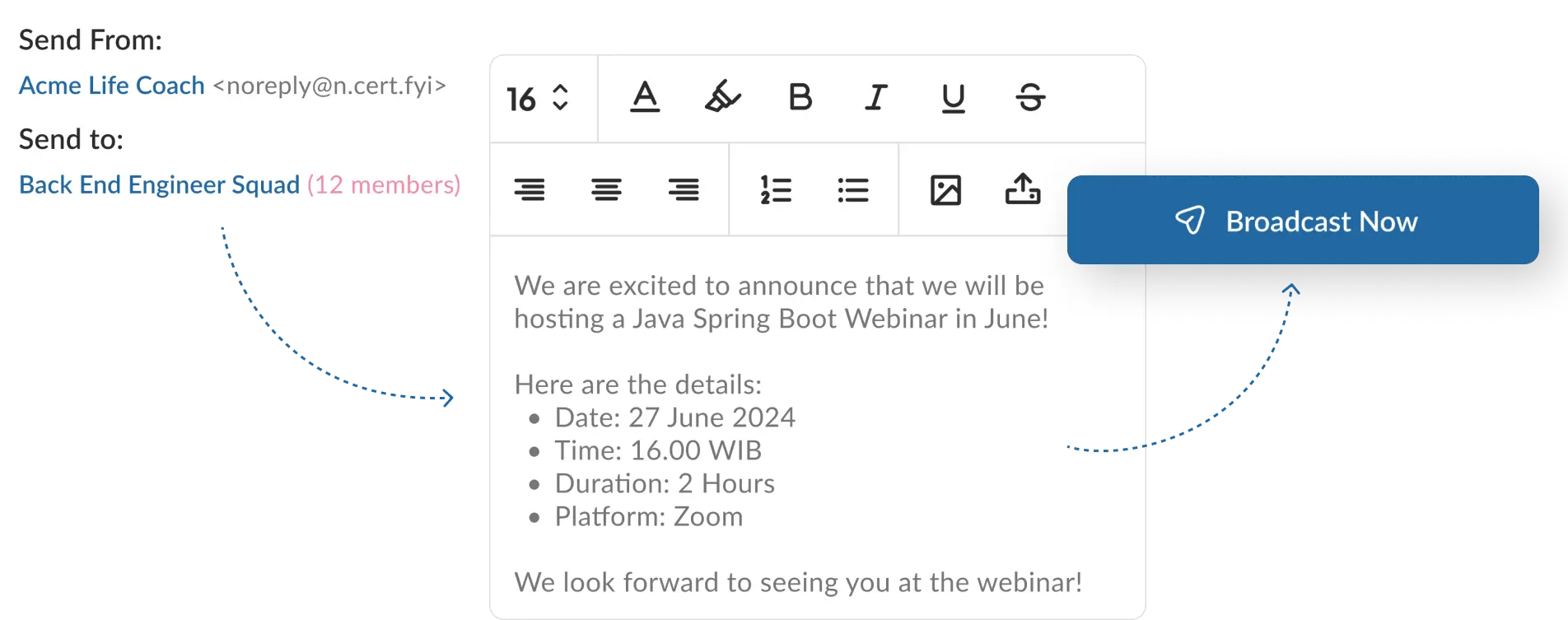
Email Broadcasting 📧
Features a broadcast email option allowing issuers to group multiple recipients and directly send announcements about upcoming webinars or events.
Credentials your people can show, and anyone can check
Start free in your browser, or talk to us about what your organization needs.
Free for 25 credentials a month. No credit card.